|
|

楼主 |
发表于 2016-5-22 01:29:18
|
显示全部楼层
5 ~! ?$ b( P; o
( `( \' B1 {" ?" R. J- o
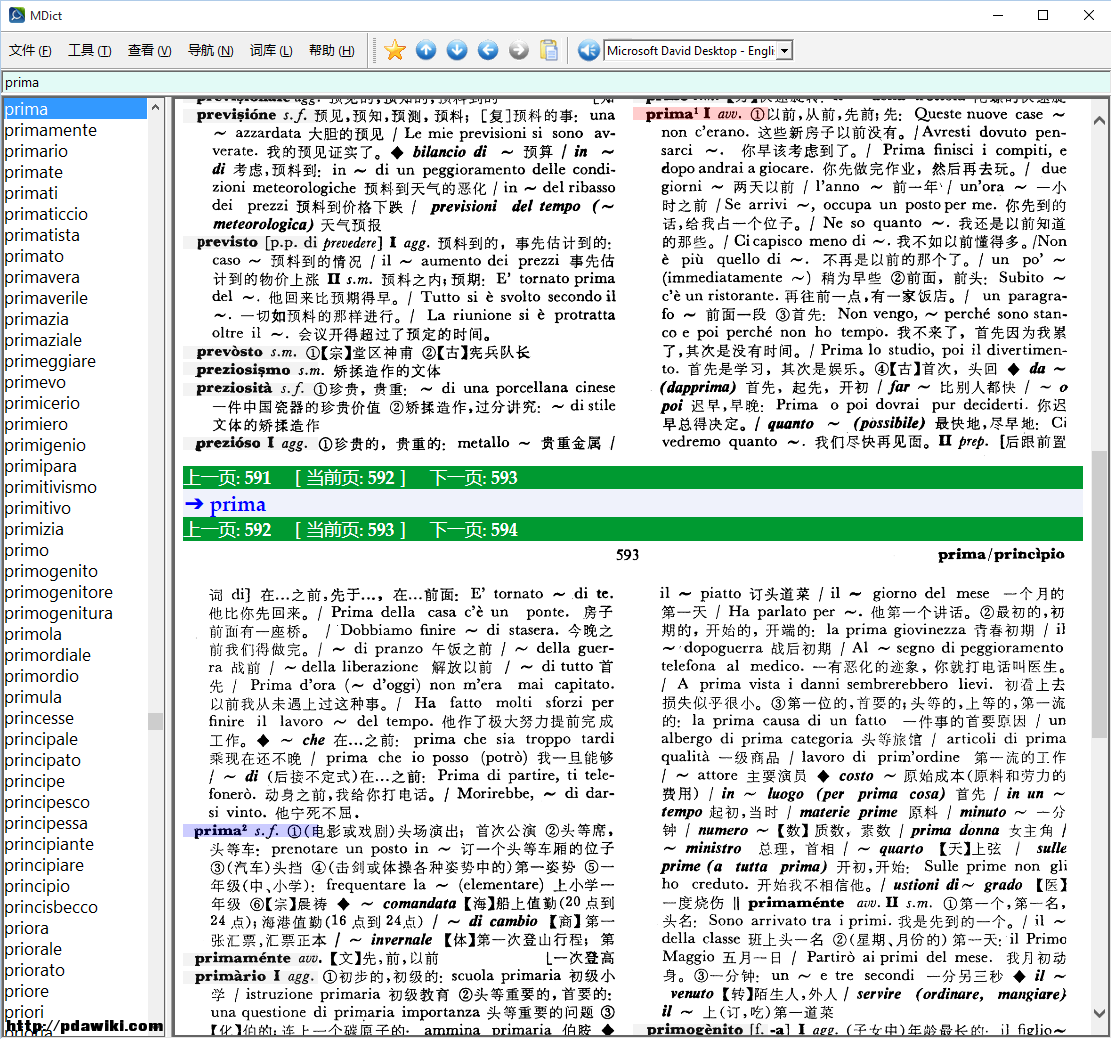
python代码来源:2 B' r6 V5 c2 W+ X% F* l7 i. E
http://stackoverflow.com/questio ... ck-coordinate-on-it
) P3 }8 ^4 ]% W
! }: g8 z) L; C, H) \( M- #!/usr/bin/env python
8 x6 `! {0 x6 k" O - # -*- coding: utf-8 -*-
c2 |5 Y7 \/ ?/ W - from Tkinter import *
5 @# @" r5 W2 h' n& n - from tkFileDialog import askopenfilename* J: N' V) `- N# I2 I
- from PIL import Image, ImageTk
/ _) j/ t/ ?+ D9 p" \& X
! \) ^; Z) D" Q' ^4 }- if __name__ == "__main__":/ s* V: m' u5 `, r( P' {' |- t6 ^
- root = Tk()4 {! o# L) s4 `# @( a: x* K. g
- #setting up a tkinter canvas with scrollbars9 [) x* y7 @2 p2 ^2 a7 {
- frame = Frame(root, bd=2, relief=SUNKEN)6 i: X) d; ^% K4 P2 B% L
- frame.grid_rowconfigure(0, weight=1)5 v$ E0 w; S5 x0 X0 F4 q- {
- frame.grid_columnconfigure(0, weight=1)
0 v7 ?& a/ Y8 n" L8 z - xscroll = Scrollbar(frame, orient=HORIZONTAL)
7 u: q. X6 V/ m. } - xscroll.grid(row=1, column=0, sticky=E+W)
) L& M1 V. D4 Z9 K9 F- t) a - yscroll = Scrollbar(frame). y' p; j: B# Y/ Y' S# |- ]
- yscroll.grid(row=0, column=1, sticky=N+S)
! _' I6 W1 u2 N2 _6 w n - canvas = Canvas(frame, bd=0, xscrollcommand=xscroll.set, yscrollcommand=yscroll.set): l7 \ w/ p0 [" R% Z! p/ W
- canvas.grid(row=0, column=0, sticky=N+S+E+W)+ B% V. X) Q6 W5 g$ s7 b& Y
- xscroll.config(command=canvas.xview)4 n, c! m3 u3 Q5 n! c- h& S
- yscroll.config(command=canvas.yview)& Y. Y, V' E2 s( U7 c
- frame.pack(fill=BOTH,expand=1)
( t: q! d# @( Z' ?# O3 _8 F3 f
7 ?% F* n: b2 u- #adding the image, U5 z& Z7 T1 n. Z- `
- File = askopenfilename(parent=root, initialdir="C:/Users/dell/Desktop/意汉词典/_ok",title='Choose an image.')
1 C5 S2 j, j7 f; H* v$ s - img = ImageTk.PhotoImage(Image.open(File))
5 }5 R; O. T& E% z5 z" n - canvas.create_image(0,0,image=img,anchor="nw")
2 H4 o& a. M9 t" `8 o' p - canvas.config(scrollregion=canvas.bbox(ALL))) I. C3 i. o5 A' Z8 z* B
; u8 M% Z4 u2 h8 y, G- #function to be called when mouse is clicked
T- R% {! B. Y# B. [( f - def printcoords(event):$ a- c9 \# w' |/ b( T/ l. @. ]
- #outputting x and y coords to console
( U. S- Z- L& r9 W1 W5 M& s; k9 e% W - canvas = event.widget
% J5 _2 E4 u. b+ @$ ~% j - x = canvas.canvasx(event.x)
4 G* K9 p: ]4 J1 |/ P1 D& \ - y = canvas.canvasy(event.y)% m5 i+ ]/ y5 @" T9 V
- oval = canvas.create_oval(x-8, y-8, x+8, y+8, fill="red")
& g1 Z4 [9 k. D: D; X- X5 E - print x,y2 ?; G i/ G+ s+ z7 O4 U- }
- f = open('_coords.txt','a')% D" ?; ?5 ]1 D5 k# {- \/ r, b* h% [
- f.write('X: %s\tY: %s\n' % (x,y))6 e: u0 {! D! R; Z, m7 }
- f.close()
' G4 o+ w5 ^6 c$ Q
# Z7 i) N m: M, v! S9 K* Q- #mouseclick event5 y" |3 \! p/ s1 J1 S1 N6 u
- canvas.bind("<Button 1>",printcoords)' C* t5 I& q( f% E6 e
- root.mainloop()
* {2 V! J0 h4 s+ j" b* T7 O+ g
|
本帖子中包含更多资源
您需要 登录 才可以下载或查看,没有账号?免费注册

x
|
 楼主: chigre3


 z! }; i( x3 P2 h0 n
 8 _7 A& F- D: S) f1 t
 ) q: U- B0 E# O
 发表于 2015-6-19 13:43:24

 发表于 2015-7-26 17:44:23






 发表于 2016-5-19 14:47:37

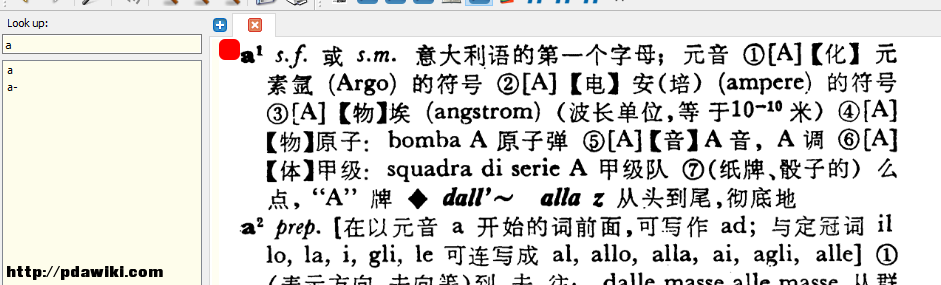 4 S" R1 ]$ J$ m1 A# \
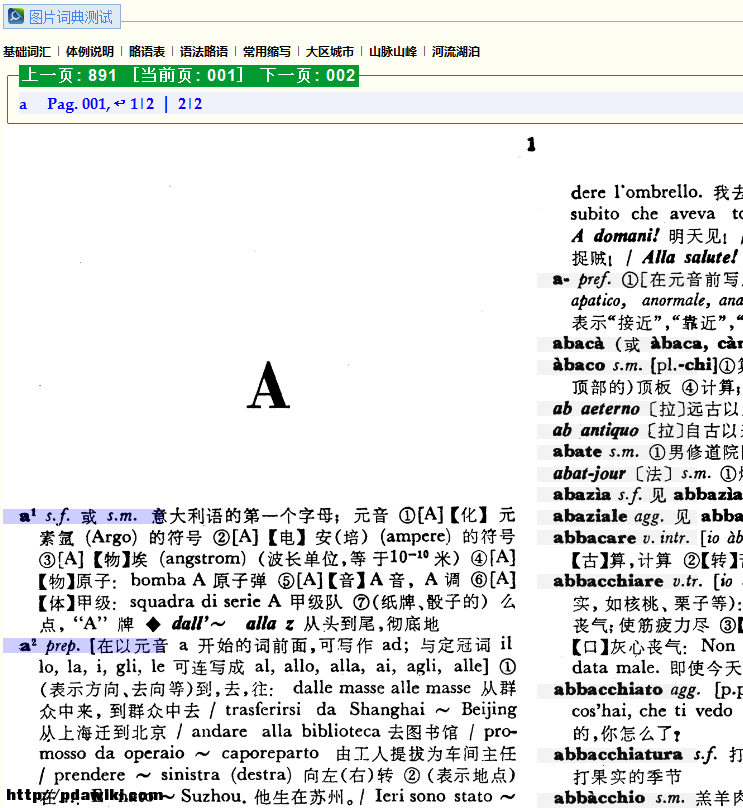 8 t* u s' Q9 z- R

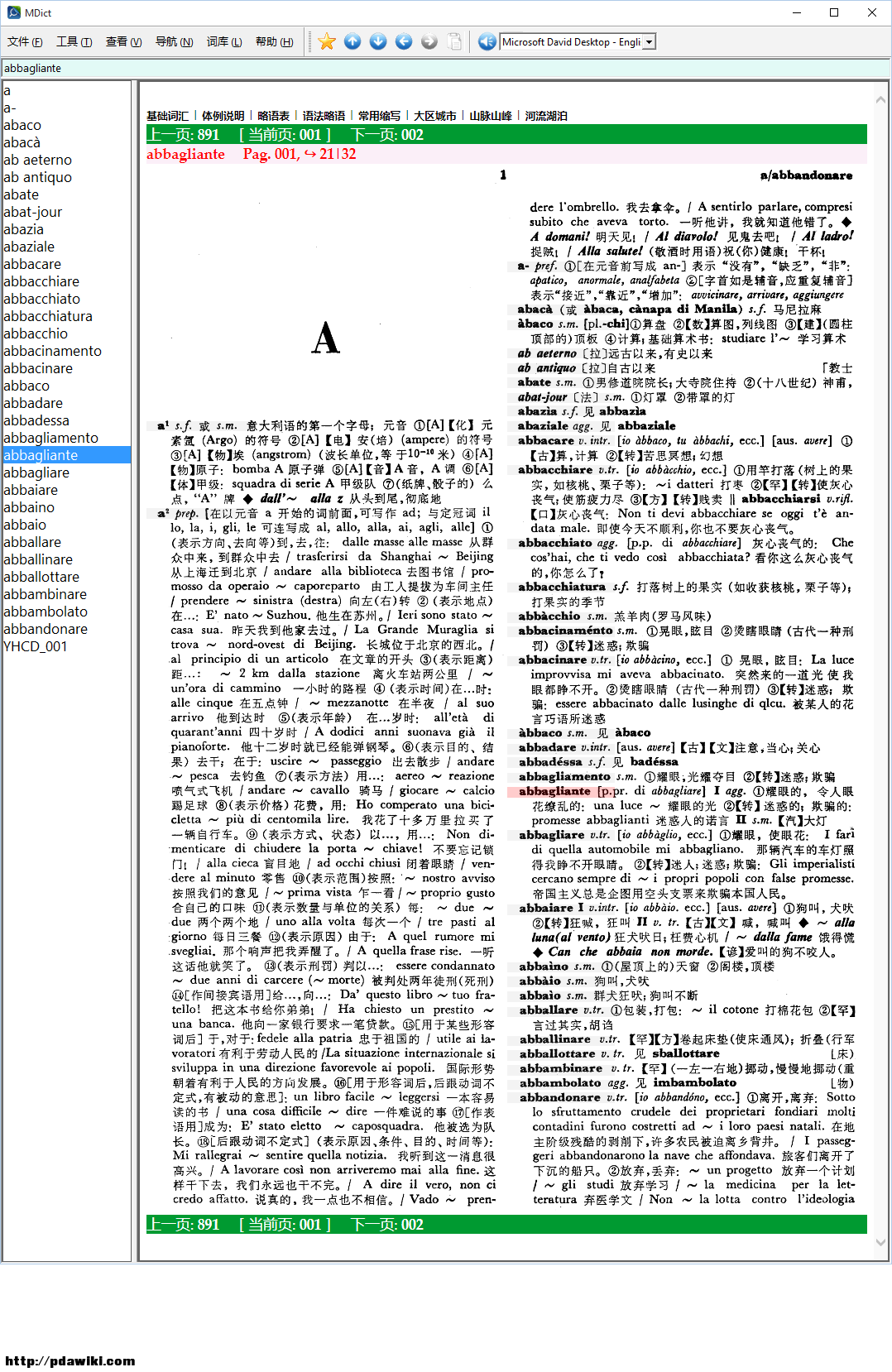
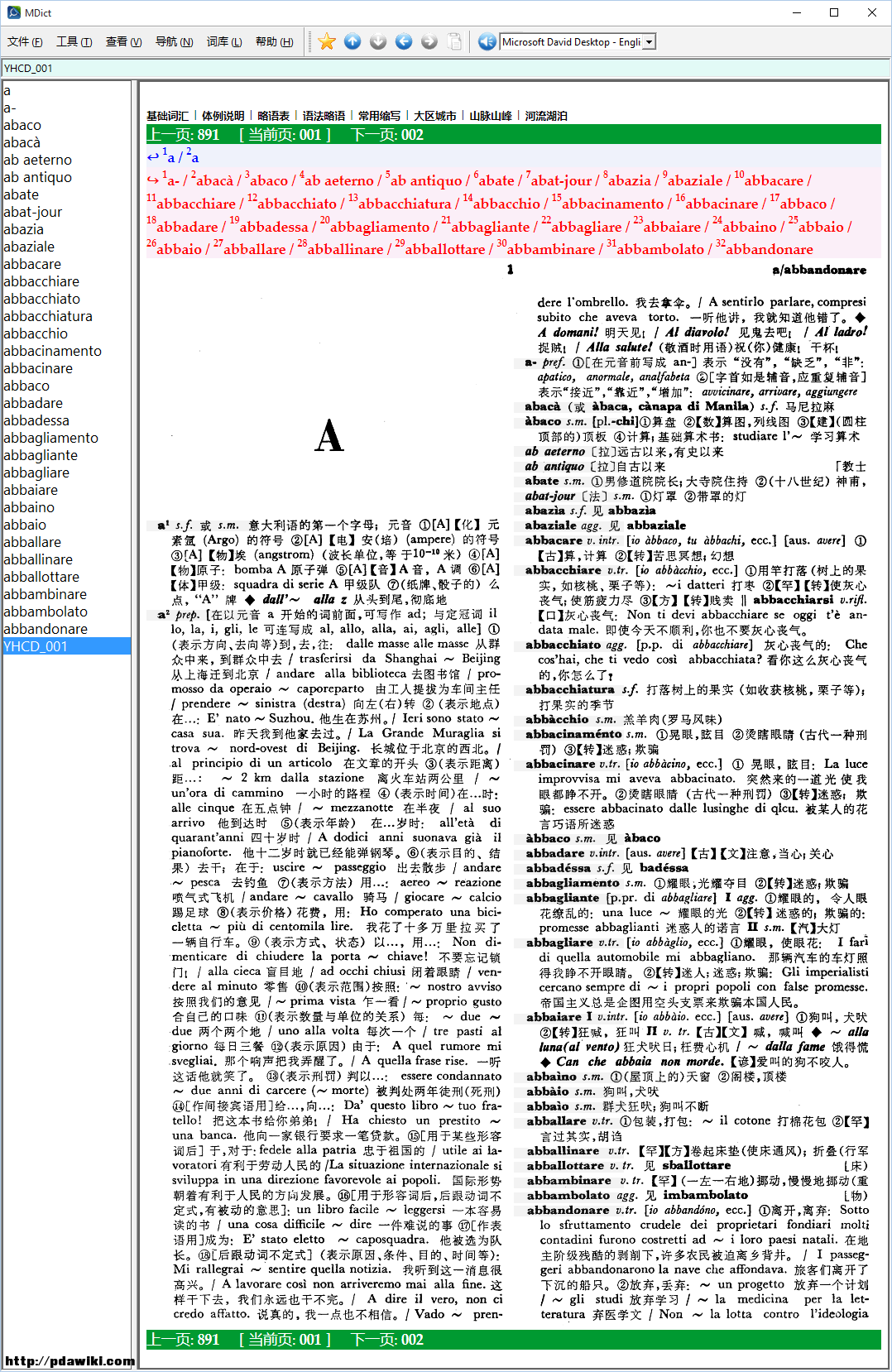
 + i) W7 K- I1 F. l! _8 \